Browse and guides

Browse

Shop studiesGraphic clothingCustom clothingChoosing a design

Fit and care

Size guideMeasuring guideGarment detailsPrint guideCare guide

Ordering

How it worksOrderingDeliveryOrder tracking

Help

Order changesReturns and exchangesOrder problemsFAQAboutContact

Home / Order problems

When something is wrong

How to report a damaged, faulty, incorrect, missing or late order.

Veltrix / Order problem report

Order problem report

Attach evidence in your email app. No upload, refund or replacement is processed here.

Your email draft

Open in email app
Nothing has been sent. Review the draft and send it from your own email app.

The Veltrix guide / order problems

Help explain what happened

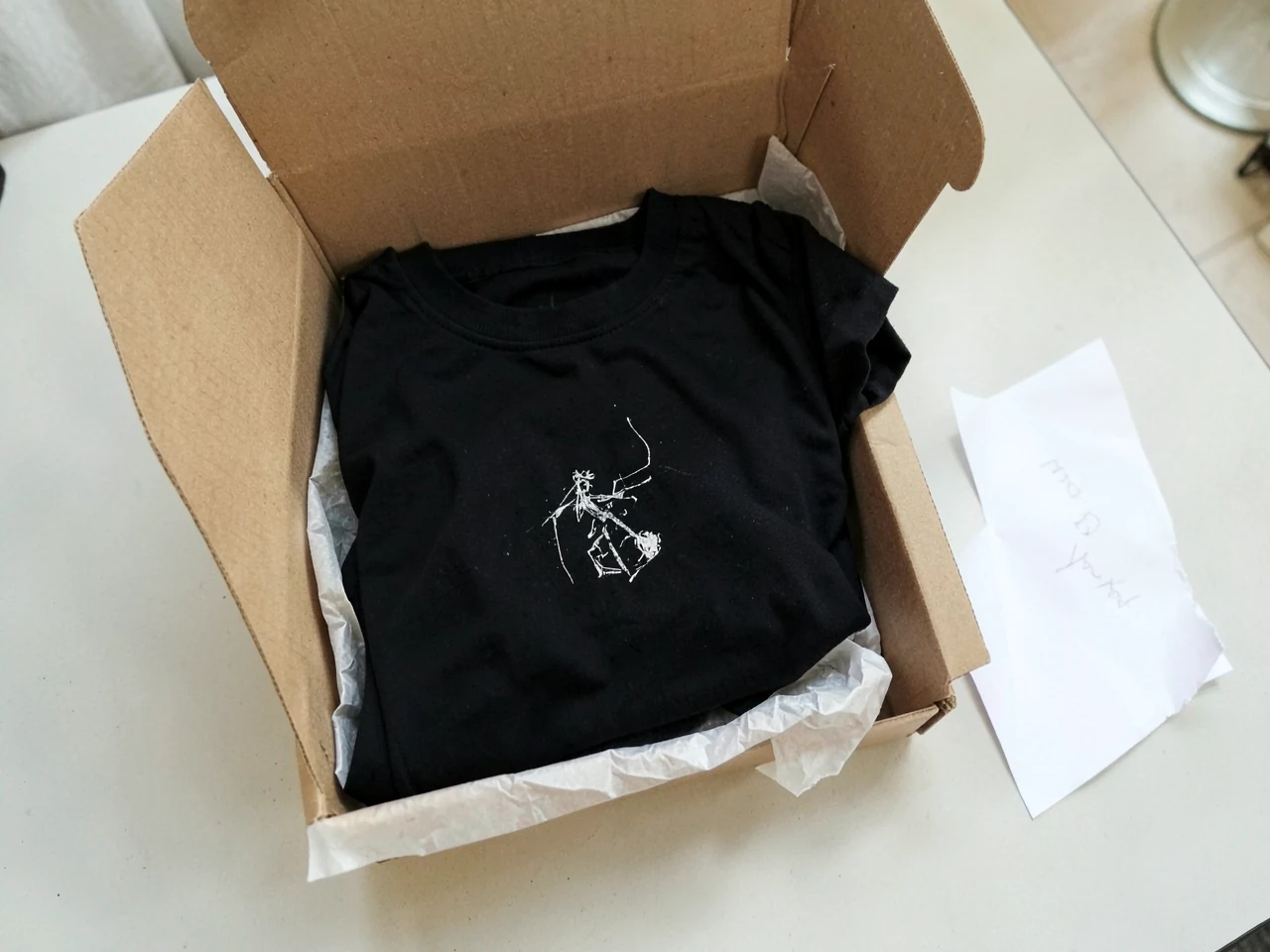
Illustrative unboxed study
Illustrative study
01

Collect the relevant information

Use the order reference and describe the item, the issue and when you noticed it. For a visible garment or print problem, take clear photographs of the whole piece and the affected area. Include the label or packaging where it helps identify the item. Keep original messages and dispatch information so the sequence is easy to understand.

02

Keep sensitive details out of the message

An enquiry does not need a password, a payment-card number or a copy of an identity document. Explain the outcome you are asking about in ordinary language. This page helps assemble a report, but it does not authorise a refund, replacement or return. Wait for the appropriate instructions before sending goods back or making changes to them.

Ask Veltrix

Still have a question?

[email protected]

Have a garment, print or order question? Open an email draft, add the details and send it from your own email app.