Browse and guides

Browse

Shop studiesGraphic clothingCustom clothingChoosing a design

Fit and care

Size guideMeasuring guideGarment detailsPrint guideCare guide

Ordering

How it worksOrderingDeliveryOrder tracking

Help

Order changesReturns and exchangesOrder problemsFAQAboutContact

Home / Contact

Contact the desk

Write by email. Please include enough detail for a useful answer.

Veltrix / Contact desk

Contact desk

Enquiry topic

Your draft stays in this page. No form is submitted; send it from your email app.

Your email draft

Open in email app
Nothing has been sent. Review the draft and send it from your own email app.

The Veltrix guide / contact

A clear message is a useful starting point

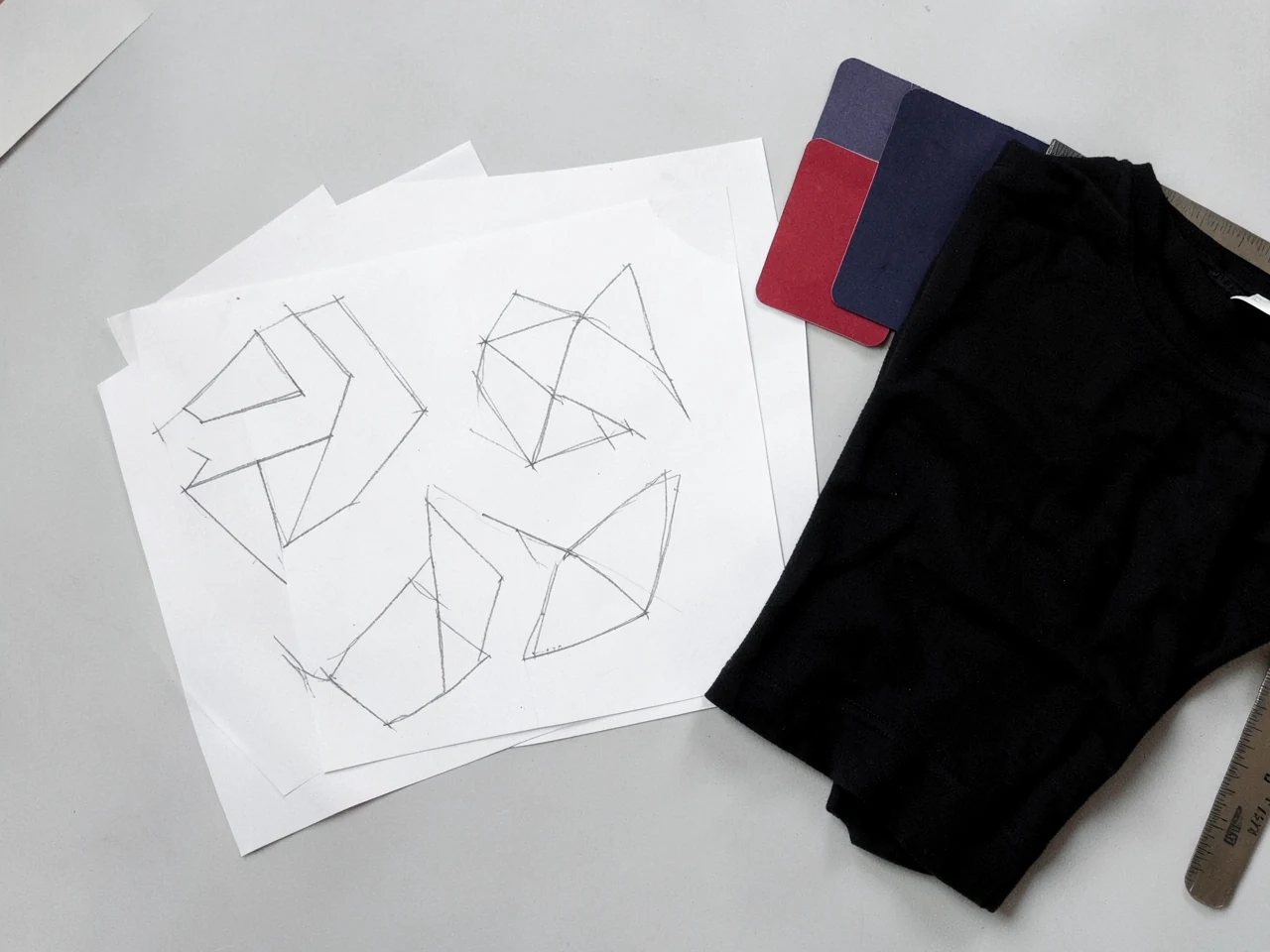
Illustrative custom desk study
Illustrative study
01

Before you open your email app

Choose a topic and add your question in the composer. For a garment or design enquiry, include the study name, preferred garment and the detail you want to discuss. For an existing order, include its reference and explain what happened. Review the draft before opening your email app, where you can add attachments and decide whether to send it.

02

Keep control of what you send

The page does not upload files or submit a form to a website inbox. Copy message offers another way to transfer the draft to an email application. Avoid including passwords or payment-card details. The business address in the footer identifies the company; it is not an invitation to visit or an instruction to return a parcel there.

Ask Veltrix

Still have a question?

[email protected]

Have a garment, print or order question? Open an email draft, add the details and send it from your own email app.