Browse and guides

Browse

Shop studiesGraphic clothingCustom clothingChoosing a design

Fit and care

Size guideMeasuring guideGarment detailsPrint guideCare guide

Ordering

How it worksOrderingDeliveryOrder tracking

Help

Order changesReturns and exchangesOrder problemsFAQAboutContact

Home / Order changes

Changing an order

How to ask for a cancellation or a change of size, design or address.

Veltrix / Order change request

Order change request

What needs changing?

Email as soon as possible. A request is not a confirmed change and may depend on production progress.

Your email draft

Open in email app
Nothing has been sent. Review the draft and send it from your own email app.

The Veltrix guide / order changes

Make the requested change precise

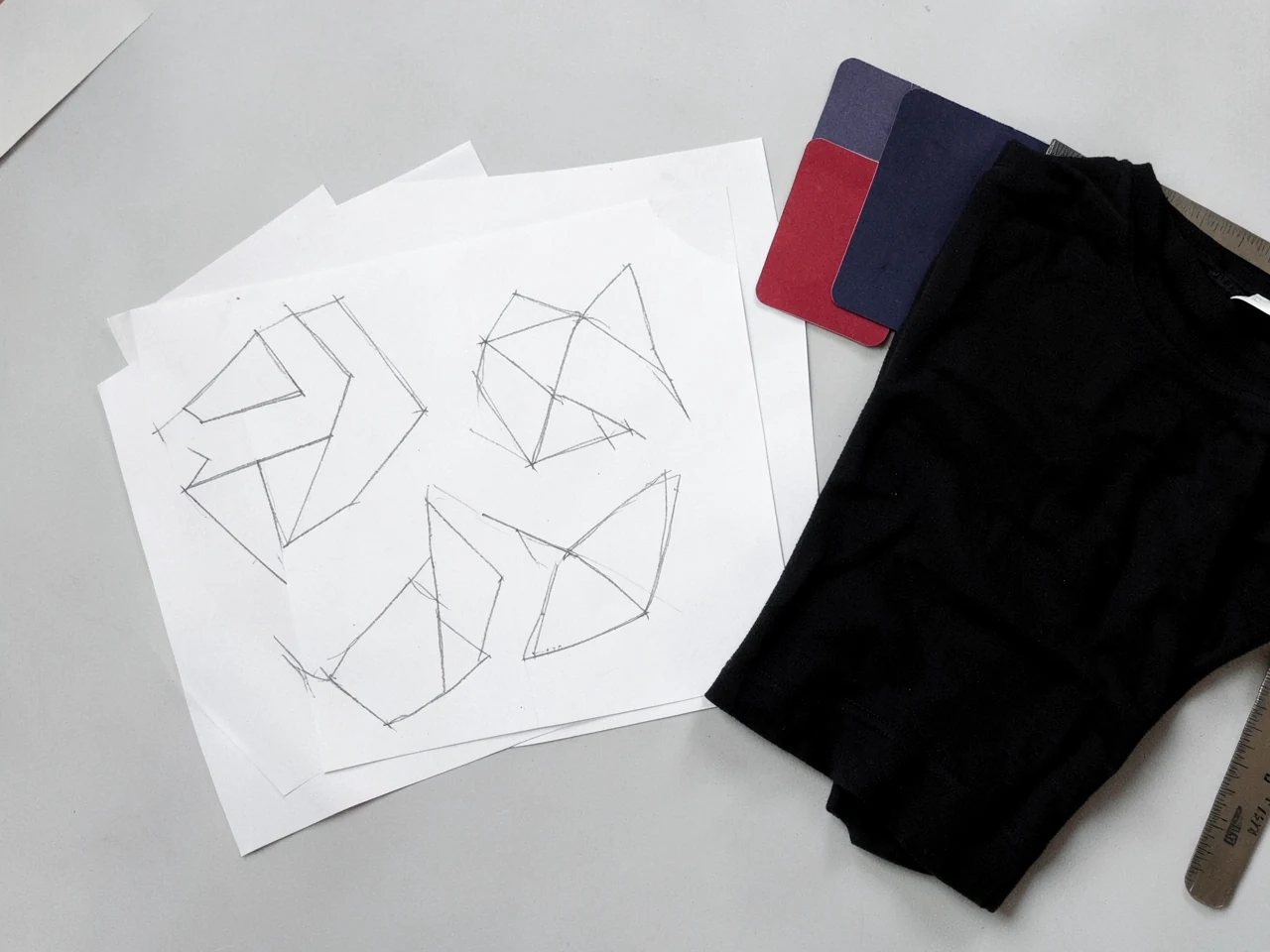
Illustrative custom desk study
Illustrative study
01

Put the order reference first

Identify the order and the detail that needs changing. For a size change, state the original and requested sizes. For an address change, write the complete corrected address. For artwork, identify the exact text or design version. A clear before-and-after description reduces the chance of a second misunderstanding.

02

A request needs a reply

Send the question as soon as you notice the issue and keep the correspondence. Whether a change is possible can depend on production progress and the terms of that order. The composer prepares your message; it does not alter an order. Look for an explicit response confirming what has been agreed before relying on a cancellation, replacement detail or revised delivery plan.

Ask Veltrix

Still have a question?

[email protected]

Have a garment, print or order question? Open an email draft, add the details and send it from your own email app.